
Plan a CCTV control room for your UAE facility. Learn operator layout, video wall sizing, VMS alarm workflow, redundancy and when remote monitoring fits best.
A CCTV control room turns hundreds of camera feeds into fast, confident decisions. Yet many UAE facilities still watch footage on a spare monitor in a guard cabin. As sites grow, that setup misses incidents and tires out staff. This guide explains how to design a control room that works in practice. You will learn when you need one, how to lay out operator desks, how to size a video wall and how to build redundancy so monitoring never stops.
Key Takeaways
A CCTV control room should be sized to the number of alarms operators handle, not the number of cameras on site.
Operator ergonomics, sightlines and a well chosen LED Wall Solution matter as much as the surveillance system behind them.
Plan redundancy for power, recording and network from day one, because a control room that goes dark defeats its purpose.
Guard Room, Control Room or Remote Monitoring?
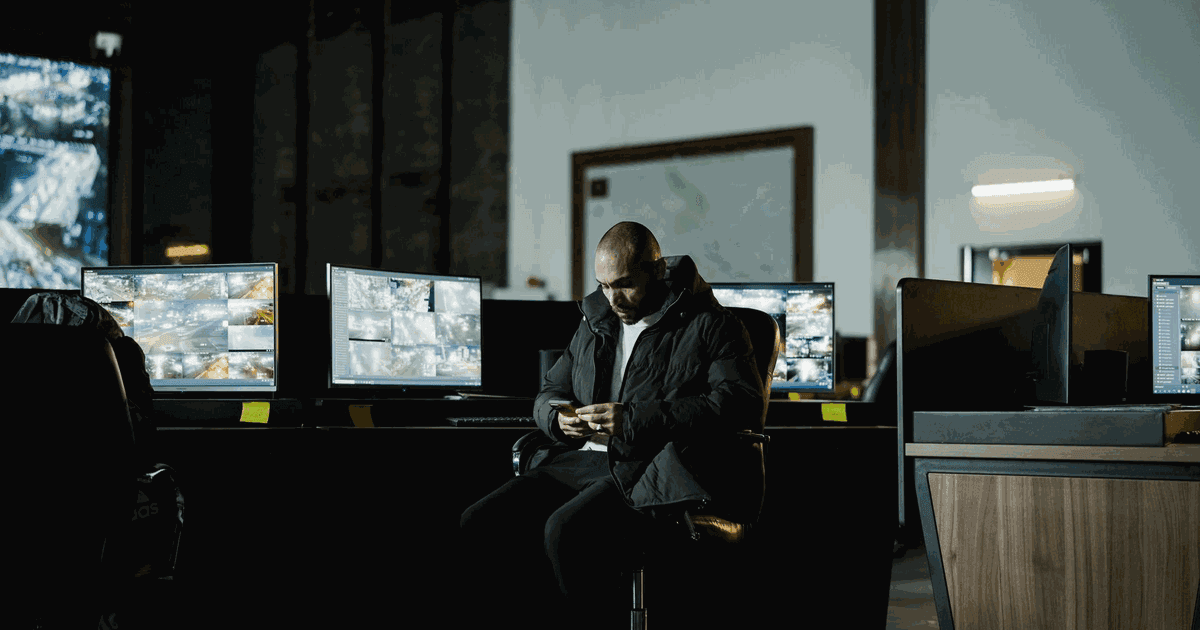
Not every site needs a dedicated room. A small office with a few cameras works well with a guard desk and one recorder. A mall, hospital, logistics hub or residential community usually needs a proper CCTV control room with trained operators. Multi branch businesses often prefer remote monitoring from one central location. The right choice depends on camera count, alarm volume, response time targets and the approval category of each site.
Start with the tasks. List what operators must watch live, which events trigger alarms and who responds. If operators must react to many events every hour, you need dedicated staff and a designed room. If alarms are rare, a guard room with good alert rules and mobile notifications may be enough. Our SIRA approved CCTV installation team assesses these needs during the site survey.
Remote monitoring deserves a closer look for businesses with many small sites. Instead of staffing each location, one central team watches alarms from every branch. Each site keeps local recording, so footage survives a connection drop. The central room then acts as the brain of a wider surveillance system, while local guards handle physical response.
Signs You Have Outgrown a Guard Room
Guards regularly miss alarms because they are on patrol or busy at reception.
Investigations take hours because footage is spread across several recorders.
New buildings, car parks or perimeter zones have been added over time.
Insurers, tenants or authorities ask for faster and documented incident response.
If two or more of these apply, it is time to plan a dedicated monitoring room or a central remote service.
Control Room Layout and Operator Ergonomics
Layout decides how well operators perform during long shifts. Poor lighting, glare on screens and awkward viewing angles cause fatigue, and fatigue causes missed incidents. International guidance on control centre ergonomics, summarised in the design principles for control rooms, covers desk arrangement, viewing distances and the working environment. Use it as a starting point for your design brief.
Desks and Sightlines
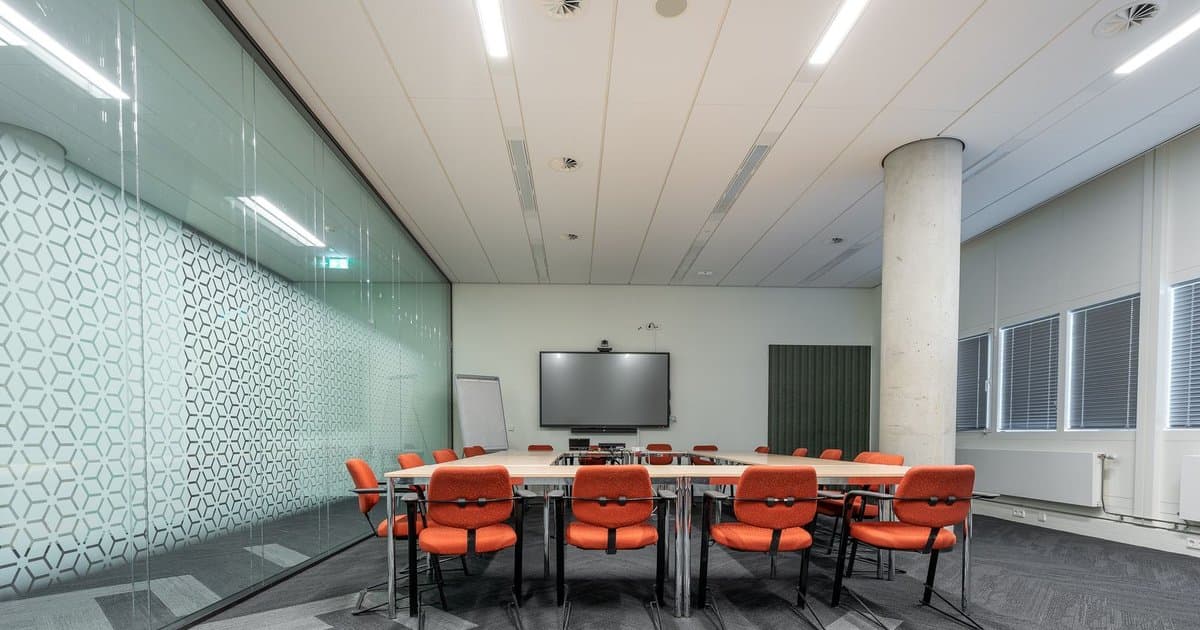
Arrange consoles in a gentle arc facing the video wall, so every operator sees the wall without turning their head sharply. Keep a clear walkway behind the desks for supervisors. Place the supervisor desk slightly raised or behind the operators, with a direct view of both the wall and each workstation. Limit each operator to a manageable number of desk monitors, usually two to four.
Lighting, Acoustics and Comfort
Use indirect, dimmable lighting with no reflections on screens. Avoid windows behind the video wall, since UAE daylight creates strong glare. Acoustic panels reduce noise from radios and phones. Plan cooling carefully, because screens, workstations and people generate a lot of heat. Include a break area nearby so operators rest away from screens during long shifts.
Space Planning and Access
Choose a room away from main entrances and public areas, ideally with controlled access and no external windows. Allow space for future consoles, since camera counts almost always grow. Place the equipment room next door rather than inside the operator room, which keeps fan noise and heat away from staff. Plan cable routes, raised floors or containment early, because retrofitting them later is disruptive and expensive.
Video Wall Sizing and VMS Workflow
The video wall shows shared situational awareness, not every camera at once. Operators work mainly from their desk screens, while the wall displays maps, alarm views and key cameras. Size the wall from the furthest seat. Text and faces must stay readable at that distance. A video wall built from narrow bezel LCD panels suits most rooms, while an LED Wall Solution gives a seamless image for large or 24/7 rooms.
Software matters as much as screens. Your video management software should push alarm cameras to the right operator, show the event on a site map and record every action taken. Analytics reduce the load further. For example, video analytics that flag unusual activity let operators focus on real events instead of scanning static feeds. A strong Control Room solution combines displays, VMS, analytics and clear standard operating procedures.
Define alarm priorities so critical events always appear first.
Give each operator a clear zone or site responsibility.
Log acknowledgement, actions and outcome for every alarm.
Review false alarms weekly and tune analytics rules.
Planning the Wall Layout
Divide the wall into fixed and dynamic zones. Fixed zones show site maps, entrance cameras and system health. Dynamic zones display cameras linked to live alarms, then return to a default view once the event closes. Avoid filling every tile with a camera, because operators ignore busy walls. Leave space for news, weather or building management dashboards if your team uses them. Before ordering screens, mock up the layout at full scale on the wall with printed tiles. This simple test shows whether operators can read the content from their seats and saves costly changes after installation.
Integrating Other Building Systems
Operators work faster when related systems appear in one interface. Access control events, fire alarm signals, intercom calls and gate barrier status can all trigger camera views automatically. This integration shortens response times and creates a complete incident record. Plan these links during design, because adding them after handover often needs new licences and extra commissioning work.
Redundancy: Keeping the Room Running
A CCTV control room is only useful while it works. Power cuts, failed servers or a broken network link can blind the whole operation. Build resilience into three layers. Each layer should fail safely without losing recordings. Many regulated sites in Dubai also need systems that meet Security Industry Regulatory Agency requirements, so confirm your category before finalising the design.
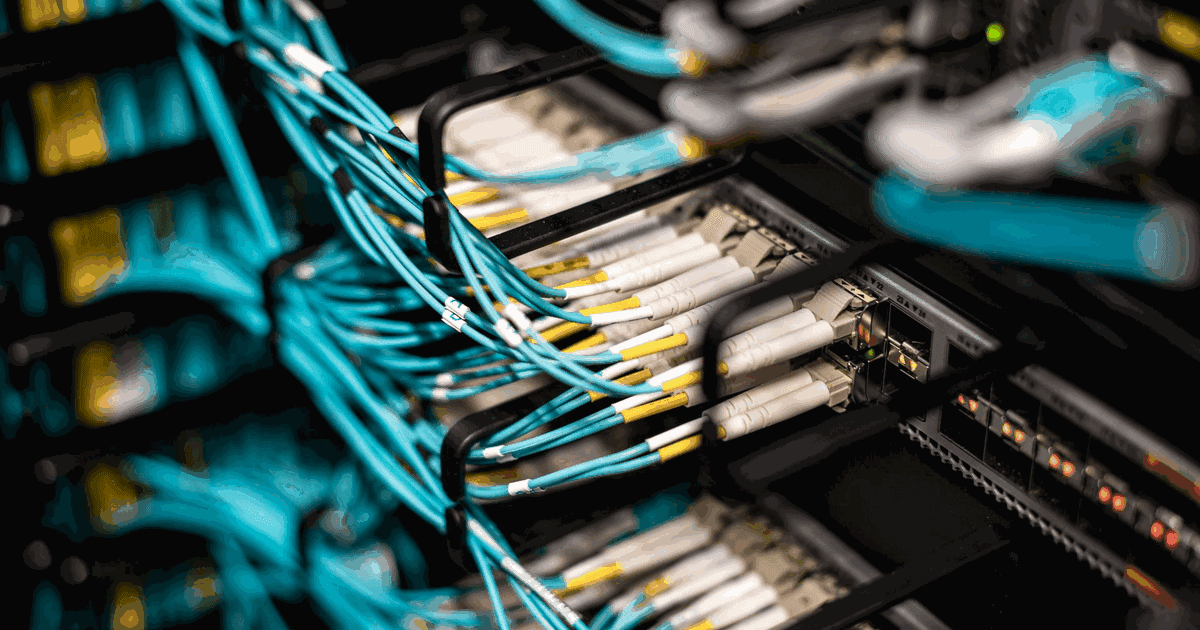
Power comes first. Put servers, switches, workstations and the video wall on UPS, backed by a generator where available. Next, protect recordings with redundant storage and failover recording servers. Finally, design the network with redundant core switches and diverse fibre routes between buildings. Our business network installation team designs these links so video traffic never competes with office systems. Server rooms that host the platform benefit from the same approach used in enterprise data centre deployments.
Test every failover path before handover and again at least once a year. Pull the mains supply, disconnect a recording server and cut a network link in a controlled test. Confirm that recording continues and that operators receive clear system alarms. Security of the platform matters too. Use unique operator accounts, role based permissions and regular software updates, so the room that protects your site does not become its weakest point.
Conclusion
A well designed CCTV control room helps operators spot incidents early, respond faster and stay alert through long shifts. Plan the monitoring model, room layout, video wall, software workflow and redundancy together, and match each choice to your site risks. Getting these basics right protects your investment in every camera on site.
Vega Digital designs, installs and maintains control rooms with its own engineers across the UAE. Talk to our team about your monitoring project and receive a layout matched to your facility.
Frequently Asked Questions
What is a CCTV control room?
It is a dedicated space where trained operators monitor camera feeds, respond to alarms and coordinate security teams. It combines workstations, a video wall, video management software, communication tools and backup systems in one purpose built room.
Does every business need a control room?
No. Small sites with few cameras and rare alarms can use a guard desk with mobile alerts. Larger or higher risk sites, and portfolios of many branches, usually benefit from a dedicated or central monitoring room.
How big should a video wall be?
Size it from the furthest operator seat so text, maps and faces remain readable. The wall shows shared views and alarms, while operators handle detailed work on desk screens, so bigger is not always better.
LED or LCD for a control room video wall?
Narrow bezel LCD panels suit most control rooms and cost less. LED walls give a seamless image, higher brightness and long operating life, making them a strong choice for large rooms running around the clock.
How many cameras can one operator watch?
Operators lose attention quickly when watching many static feeds. Instead of fixed ratios, design around alarm volume and use analytics to push only relevant cameras, so each operator focuses on events that need action.
What redundancy does a monitoring room need?
Plan for UPS and generator power, redundant recording servers and storage, and a resilient network with backup links. Each layer should fail safely so monitoring continues and no footage is lost during faults.
Can one room monitor sites in different emirates?
Yes, central monitoring can cover many sites over secure, encrypted connections. Each site must still meet its own emirate approval rules, so plan local recording, retention and compliance requirements alongside the central room design.
How should control room systems be maintained?
Schedule preventive checks for displays, workstations, servers, storage and UPS, plus regular software and firmware updates for every platform. An annual maintenance contract for security systems keeps response times clearly defined and reduces unplanned downtime for operators.
Who should design a control room?
Choose a team that understands cameras, networks, displays, ergonomics and daily operations together, not just hardware supply. Read more about Vega Digital and our in house engineers, who design, install and support monitoring rooms without subcontracting.